


Over 32 million Americans work remotely in 2026. Most of them are doing it at a kitchen table with a laptop, bad lighting, and a chair that will eventually cost them four physiotherapy sessions. The productivity gap between a properly configured home office and a makeshift one is real, not in a motivational-poster way, but in a measurable output, fewer headaches, and staying focused past 3 p.m. way. The good news is that getting this right does not require spending $5,000. It requires spending in the right order.
Setting up a productive home office in 2026 comes down to five categories: your seating and posture setup, your display configuration, your lighting, your audio, and your internet connection. Everything else is furniture and aesthetics. Get the first three right and you will notice the difference by the end of your first week.
The essential productive home office setup for 2026: An ergonomic chair ($200–400), a 27-inch external monitor ($150–250), a sit-stand desk ($300–600), proper task lighting ($50–150), and a wired or high-quality wireless headset ($80–200). Total spend for a solid setup: $800 to $1,600. Budget setups can function at $400–600 by prioritising the chair and monitor over everything else.
$200–$400
$150–$250
$300–$600
$80–$200
$50–$150
Start With Your Chair and Posture: This Is Not Optional
The chair is the most important purchase in any home office setup, and it is the one most people get wrong because they treat it as furniture rather than as equipment. A bad chair does not just cause back pain, it causes decision fatigue, reduced focus in the afternoon, and over years, actual spinal damage that becomes expensive to treat. This is the one area where I would not compromise on budget.
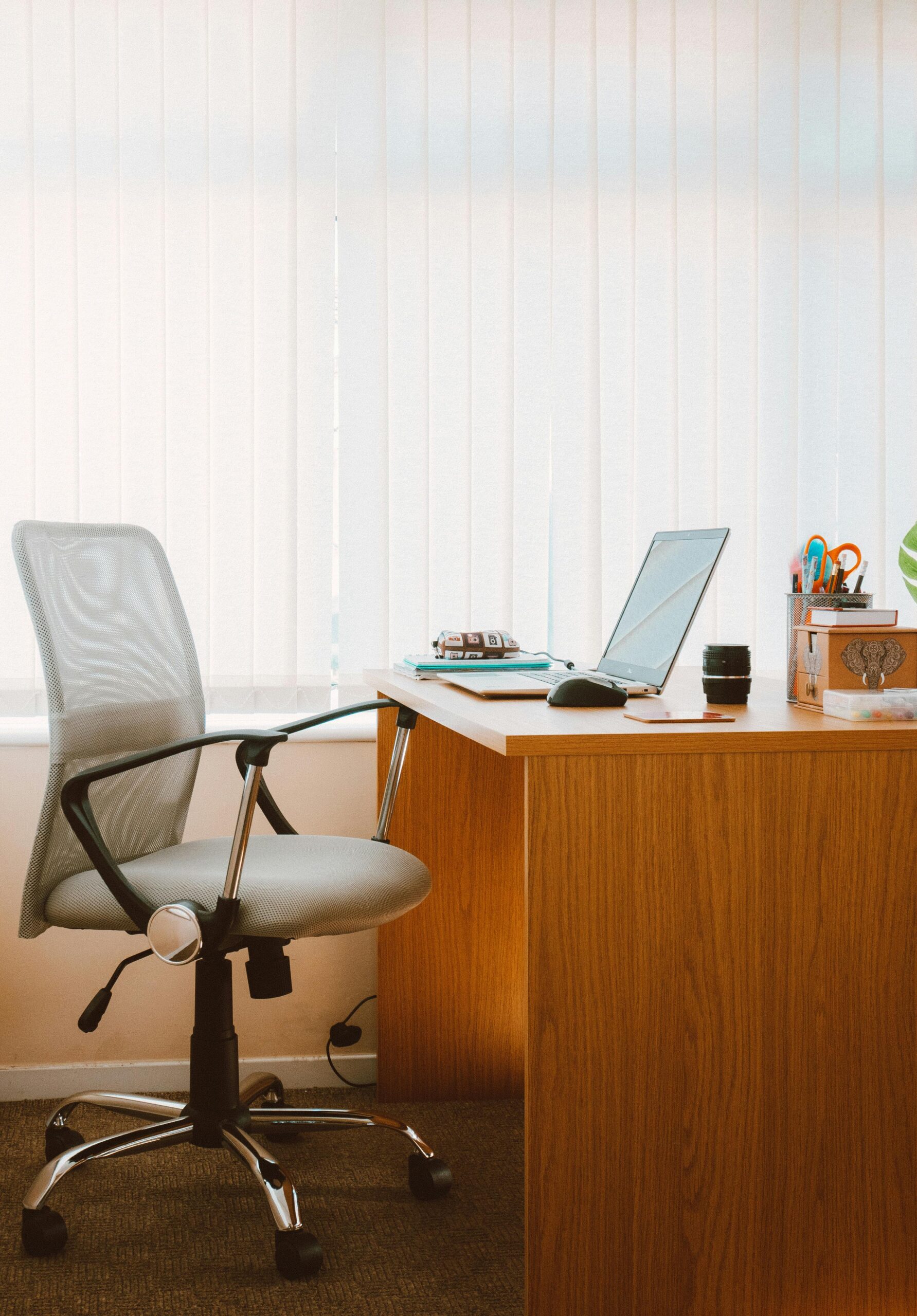
A proper ergonomic chair needs four things: adjustable lumbar support that you can position against the natural curve of your lower back, adjustable armrests set at elbow height so your shoulders are not raised, seat depth adjustment so the front of the seat does not cut into the back of your thighs, and a seat height that lets your feet rest flat on the floor with knees at roughly 90 degrees. Any chair that does not have these four features is not an ergonomic chair, it is a chair with ergonomic marketing.
At the $200 to $300 range, the Branch Ergonomic Chair and Autonomous ErgoChair are solid options that check the key boxes. If you can spend $350 to $450, a refurbished Steelcase Leap or Herman Miller Aeron purchased from a used office furniture dealer is arguably the best value in the entire chair market, these were engineered for 12-hour commercial office use and most used units have years of life left in them. This is one of the clearest cases where buying second-hand beats buying new.
The Desk and Desk Setup: Where Most People Overspend
You do not need a $1,200 standing desk. You do need a desk that is stable at the right height, wide enough to hold a monitor plus keyboard without crowding your elbows, and positioned so you face a wall or neutral background rather than a window that backlights your face on video calls. A fixed-height desk at the correct height for your body is adequate for most people. Sit-stand desks are useful but not essential, and if you are going to buy one, budget at least $350 for a motorised unit with a stable frame. The cheap electric desks wobble visibly during calls.
The monitor arm is a separate purchase that costs $30 to $50 and is worth every dollar. Mounting your monitor on an arm lets you position it at the exact eye height your neck needs, the top third of the screen should sit at or just below your eye level, and it frees up desk surface. A monitor flat on a desk almost always sits too low unless you prop it up, which introduces its own instability issues.
Better for freelancers vs salaried employees: if you are self-employed in the US or UK, your home office equipment is partially or fully tax-deductible as a business expense. This effectively lowers the real cost of your setup by 20% to 40% depending on your tax bracket. A $400 ergonomic chair costs you $240 to $320 after tax relief. Factor this in before you decide the budget setup is good enough. You can also look at ways of cutting your monthly fixed costs to free up cash for quality equipment purchases.
External Monitor: The Single Highest-Return Upgrade
Working on a laptop screen for eight hours a day is the home office equivalent of writing with a golf pencil. According to Gable’s remote work statistics for 2026, 61% of remote workers report being more productive at home, but that number is almost certainly higher for people with proper external displays and lower for those running on a 13-inch laptop screen in a cramped setup.
A 27-inch IPS monitor at 1440p resolution costs $150 to $250 in 2026. The Dell P-series, LG Ultragear, and BenQ GW2780 are all strong options in this range. At 1440p, text is sharp enough to read for hours without strain, spreadsheets actually fit on screen, and you can run two documents side by side without squinting. Resolution matters more than size for eye comfort, a 32-inch 1080p monitor looks fine from a distance but becomes slightly blurry up close on text-heavy work.
Dual monitors used to be the gold standard. In 2026, an ultrawide monitor at 34 inches offers the same screen real estate with less neck movement than two separate panels. The LG 34WP65C-B runs around $300 and is one of the best value ultrawides for home office use. If your work is primarily communications, writing, or video calls rather than multi-panel financial or coding work, a single well-chosen 27-inch is genuinely sufficient.

Lighting, Audio, and the One Upgrade Worth Every Penny
Bad lighting makes you look unprofessional on video calls and causes eye strain over long workdays. Natural light from a window in front of you (not behind you) is the best free upgrade available. If your room layout does not allow for this, a simple LED ring light or desk lamp with adjustable colour temperature positioned in front of your face costs $40 to $80 and transforms how you appear on video. The Elgato Key Light Mini and Lume Cube Panel Mini are well-regarded options in the $80 to $100 range for people who want something more refined.
For audio, the logic is simple: if you are on calls for more than 90 minutes per day, a dedicated headset with noise-cancelling microphone pays for itself in reduced meeting friction within weeks. The Jabra Evolve2 55 sits at $280 but is genuinely the standard for professional remote work audio. At the budget end, the Anker PowerConf H700 at $90 is solid for its price point. Built-in laptop microphones remain inadequate for professional settings in 2026, other people on your calls can hear your room, your keyboard, and your neighbour’s dog.
Internet connection quality is the hidden infrastructure most home offices underinvest in. A powerline adapter ($30 to $50) that runs ethernet from your router to your desk is more reliable than Wi-Fi for video calls, uploads, and cloud synchronisation. If you run everything wirelessly and experience call drops or lag, a wired connection is the cheapest fix available.
The 2026 Context: What Has Changed for Home Office Workers
The return-to-office push from major employers through 2024 and 2025 has not reversed remote work, it has filtered it. According to Apollo Technical’s 2026 remote work data, 30% of companies now require full five-day office attendance, up from 28% in 2025. But the 70% who do not represent tens of millions of people who still spend significant time working from home and whose home environment directly affects their output.
AI tools have changed the productivity calculus at the desk level. In 2026, a home office worker using Notion AI, GitHub Copilot, or Claude for routine tasks can produce meaningfully more output per hour than the same worker without those tools in 2022. The physical environment either amplifies or limits that leverage. A distraction-free, ergonomically sound workspace compounds the benefit of good software tools. A bad physical setup undermines it.
Once your workspace is optimised and your monthly expenses are streamlined, whether through putting that money to work in index funds or eliminating unnecessary fixed costs, the returns from that structure start to compound over time.
FAQ: Home Office Setup Questions People Actually Search For
What is the ideal home office setup for remote work in 2026?
The core setup is an ergonomic chair ($200–400), a 27-inch external monitor ($150–250), a desk at the correct height for your body, proper front-facing lighting, and a headset with noise-cancellation if you are on regular calls. These five components cover the most direct drivers of physical comfort and professional presentation. Everything else, cable management, plants, premium keyboards, is secondary and does not meaningfully affect output.
How much should I spend on a home office setup?
A functional, professionally equipped home office costs $800 to $1,600 in 2026. A budget-conscious setup covering the essentials can be built for $400 to $600 by prioritising the chair and monitor and deferring the desk upgrade. The mistake most people make is spending heavily on aesthetics (desk lamp, monitor light bar, desk mat) before solving the fundamentals. Ergonomics first, aesthetics last.
Is a standing desk worth it for home office work?
A motorised sit-stand desk is a genuine long-term health investment if you use it consistently, alternating between sitting and standing in 45 to 60-minute blocks reduces back strain and afternoon energy crashes. The issue is that cheap electric desks (under $200) wobble and degrade quickly. A FlexiSpot E7 or Uplift V2 at $350 to $500 is the minimum I would consider spending. If budget is tight, start with a good chair and a fixed desk, and add the standing capability later when you can do it properly.
What home office expenses are tax deductible in 2026?
In the US, the home office deduction applies only to self-employed individuals and freelancers, salaried employees lost this deduction under the 2017 Tax Cuts and Jobs Act. If you qualify, you can deduct a portion of rent or mortgage, utilities, and equipment proportional to your home office space. In the UK, the simplified expenses method allows £6/week without receipts, or actual costs with receipts. Speak to a tax professional to maximise this, it is frequently underused by people who work from home and are eligible.
What to Do in the Next 24 Hours
Sit at your current workspace and spend three minutes checking these things: can you see your monitor without tilting your head? Are your shoulders relaxed and your elbows close to 90 degrees? Is there a light source behind you that puts your face in shadow on calls? Address the most obvious problem first. If it is the chair, search for a refurbished Steelcase Leap or Aeron on your local used furniture marketplace today: these appear regularly at $200 to $350. If it is the monitor, pick a 27-inch 1440p IPS panel from Dell or LG and order it this week. One change in the right place will pay for itself in focus within days.